Tracking customer payments from proforma to delivery
What standard Odoo does with proforma invoices and down payments, where the gaps are, and how to see the payment status of every order.
6 min read

See what each customer has paid against every proforma invoice.
The problem it solves
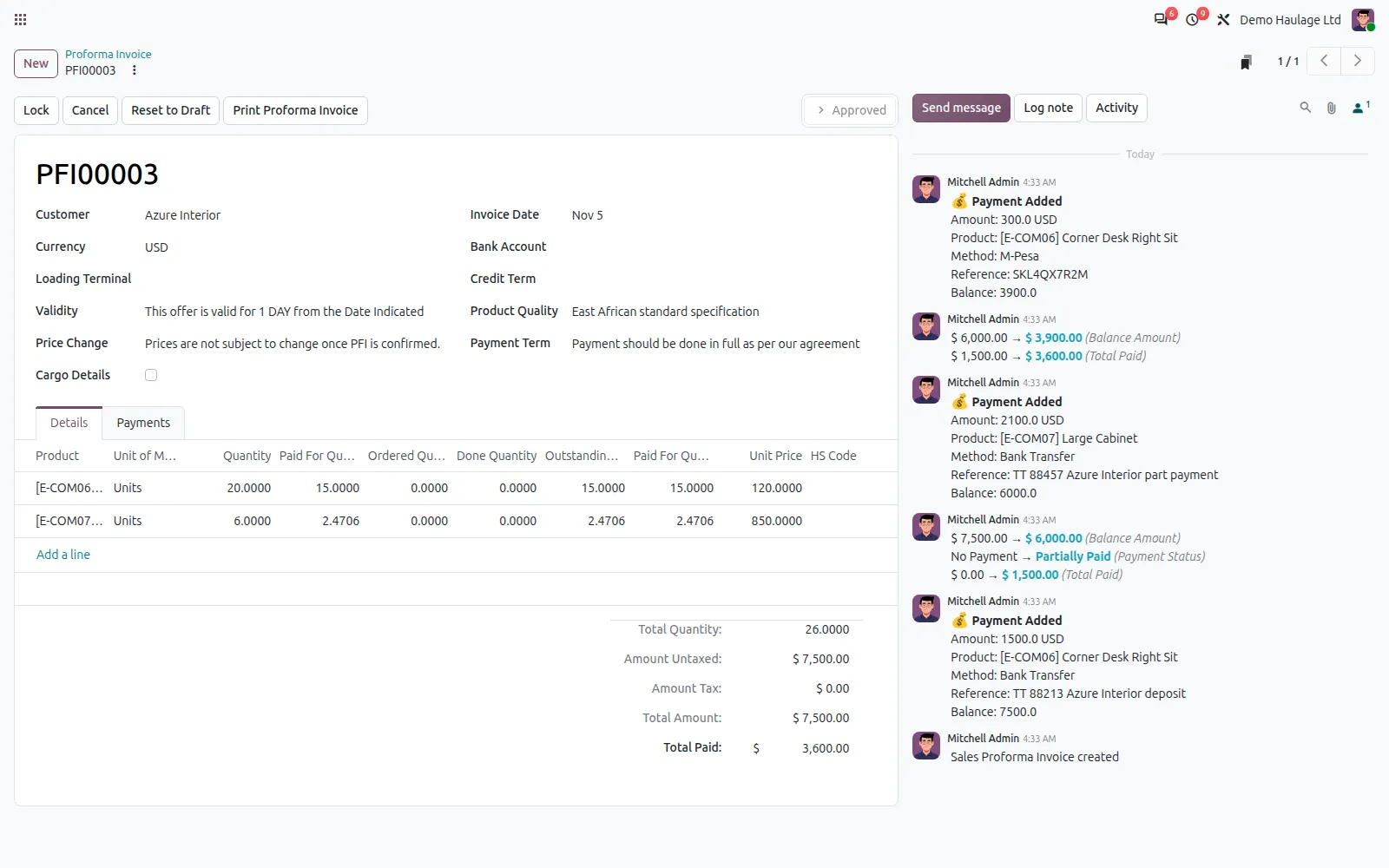
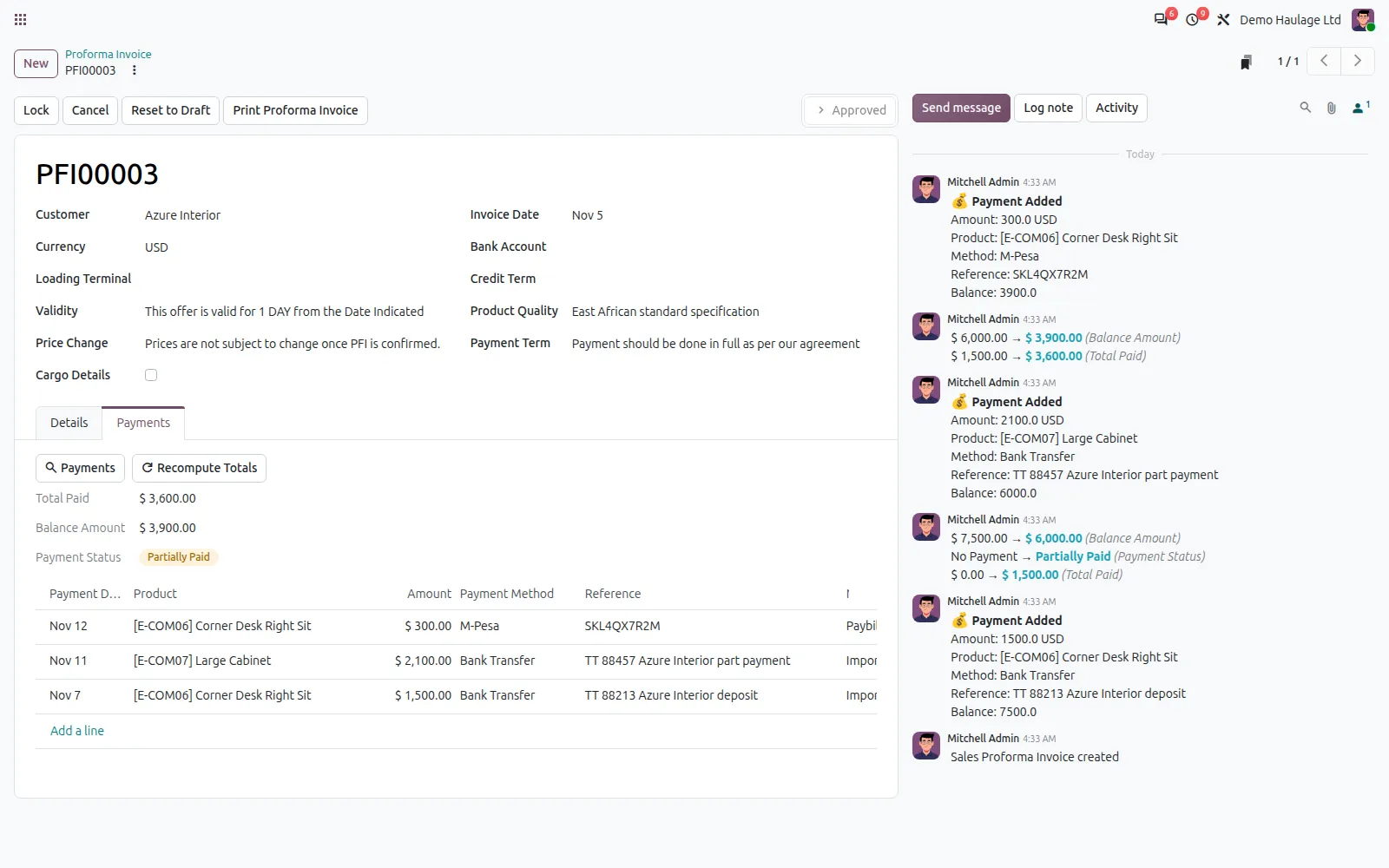
Payments Tracker shows what each customer has paid against every proforma invoice. Payments are recorded on the proforma or matched from the bank statement, tagged to the product they pay for, and added up into a clear balance and status.
Sales can see what has been received before releasing goods, and finance can see what is still outstanding, without a separate spreadsheet and without touching the books.
Key features
Record a bank transfer, cash or M-Pesa payment on the proforma, with its date and reference, against the product it pays for. Each one is logged in the proforma's history.
From a proforma, open the customer's incoming bank statement lines and allocate a receipt to it. One receipt can be split across several proformas.
Every payment is tagged to a product on the proforma, so each line shows the amount and quantity paid for. An allocation is capped at what that product still owes.
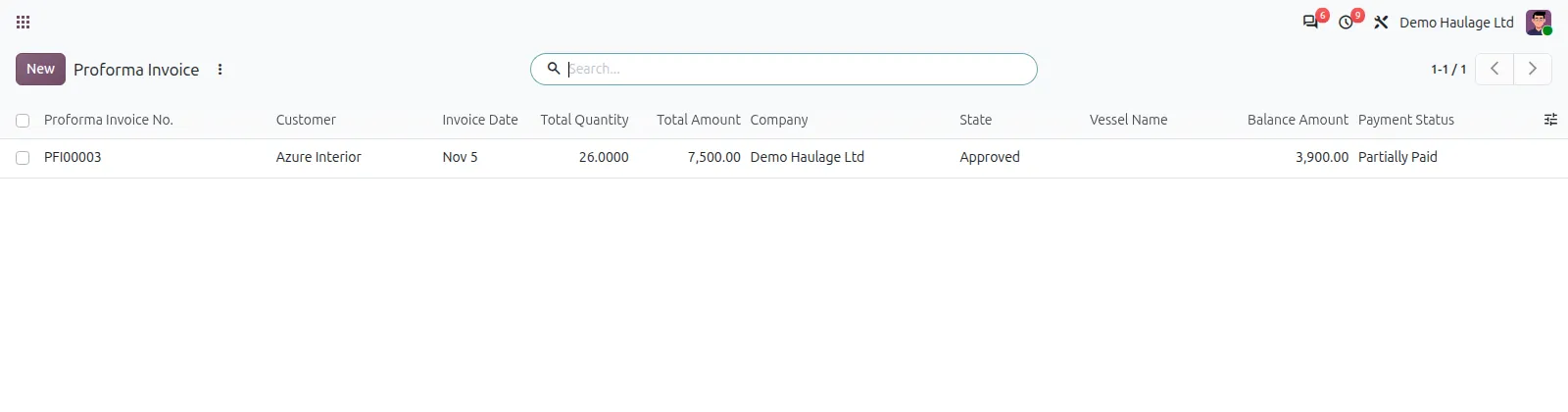
Each proforma shows its total paid, the balance and a status of no payment, partial or paid, worked out from the bank receipts matched to it.
A payment recorded in error can be undone. The proforma totals are recalculated and the bank receipt is freed for matching again.
Payments are tracked against the proforma without posting accounting entries, so your ledger is untouched.
How it works
Issue the proforma to the customer from the Sales Proforma add-on.
Record each payment by hand, or allocate an incoming bank receipt to the proforma.
Choose the proforma product the payment covers, so paid quantities stay correct.
The proforma shows what the matched receipts have paid and what is still owed until it is fully paid.
Compatibility
Payments Tracker is maintained for Odoo 15 to 20. Check the edition and the apps it needs before you plan an installation. If your set-up differs, ask us and we will tell you plainly what is possible.
Implementation and support
We install the add-on on your Odoo.sh project or server, after testing it on a copy of your database.
We set it up to match your rules, document numbering, accounts and user access.
Your users and administrators are trained on real examples, with a short written guide.
We fix issues, answer questions and keep the add-on running day to day.
When you move to a newer Odoo version, we upgrade the add-on and your data with it, tested on a copy first.
We maintain the add-on code, and any custom add-ons you already run, so they stay compatible as Odoo changes.
Questions
They count towards the amount and quantity paid on each product line and are logged on the proforma. The total paid, balance and status come from bank receipts matched to the proforma, so match the receipt once it reaches the bank statement.
No. It records payments against the proforma and reads bank statement lines for matching, but it creates no journal entries. Your accounting stays as it is.
Yes. Each bank statement line keeps a remaining amount, and you can allocate parts of it to different proformas until it is used up.
It works on the proformas from our Sales Proforma add-on, which uses the Enterprise Approvals app. Ask us if you run Community and we will tell you what is possible.
Undo it from the proforma. The allocation is removed, the totals and status are recalculated, and the bank receipt can be matched again.
Related articles
What standard Odoo does with proforma invoices and down payments, where the gaps are, and how to see the payment status of every order.
6 min read
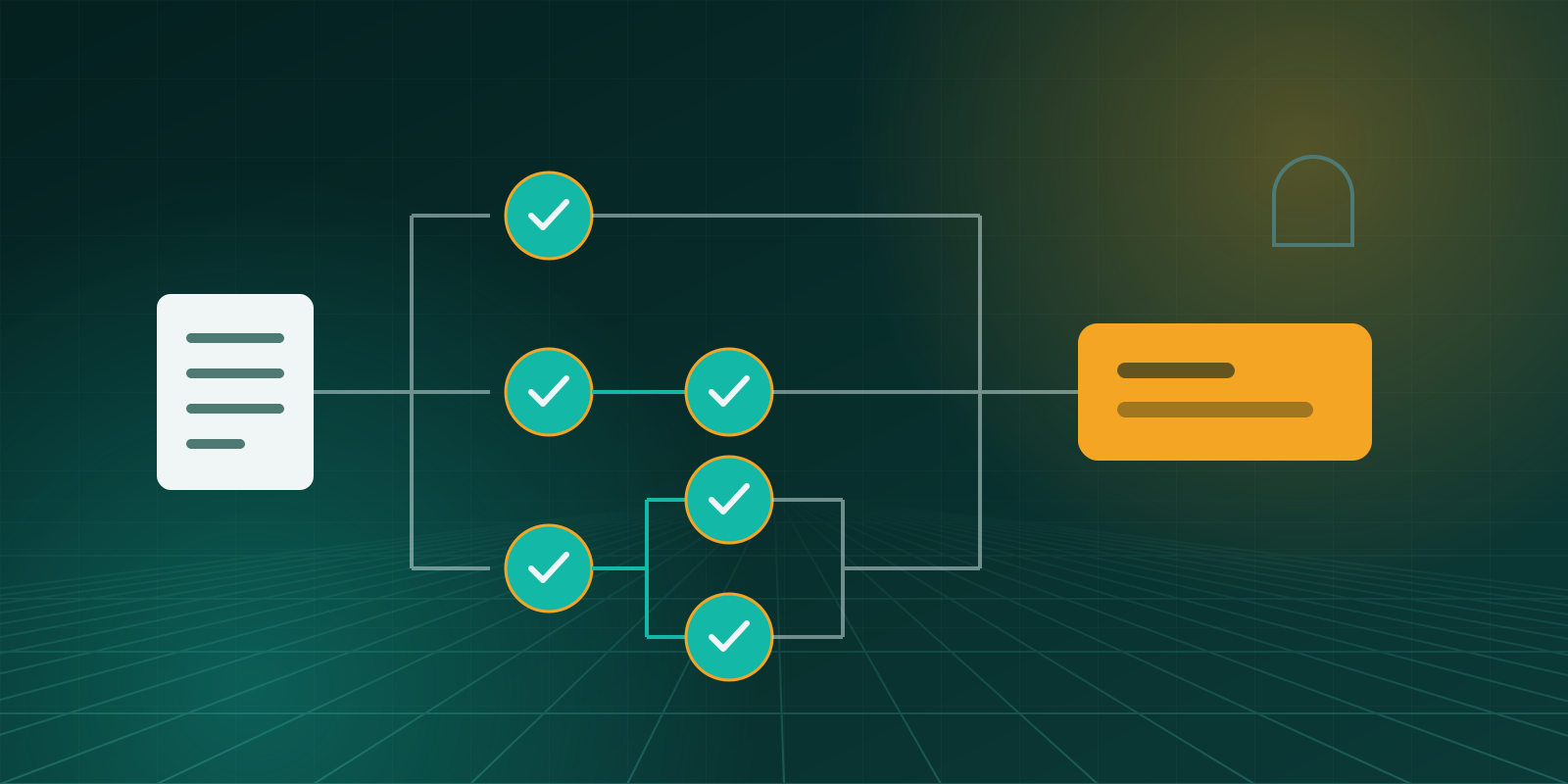
How to set approval limits by amount, decide who approves and in what order, and keep a record that stands up to audit.
7 min read
Related add-ons
For money going out. Every payment is approved by the right people before finance pays it, with a full record.
Run properties, tenancies, landlords and maintenance inside Odoo.
Need help beyond this add-on? See our Odoo ERP implementation service.
Book a demo and we will show you Payments Tracker using examples from your own business.