Payment Requests
For money going out. Every payment is approved by the right people before finance pays it, with a full record.
- Available
- Odoo 15 to 20
- Community and Enterprise

One system for finance, sales, stock and HR, set up around how you work and supported after launch.
Odoo ERP Implementation
We set up and support Odoo ERP, and move your data into it, so finance, operations and HR run on one system.
Every project starts with workshops on how your organisation actually runs: who raises a purchase, who approves it, how stock moves, how invoices are posted and how month end is closed. We write this up as a process map with an owner for each step, and we agree in writing what will be built before any set-up begins.
We start with standard Odoo. It already covers most accounting, sales, purchasing, stock and HR processes, so we show you the standard flow before we discuss changes. Where a gap remains, we record it with the business reason, then decide together whether to adapt the process, set Odoo up differently or build a small add-on. This keeps the system close to Odoo's own design, which makes support and upgrades cheaper.
Many of the organisations we work with run more than one legal entity, often in more than one country. We set up several companies in one system with rules for trade between them, shared or separate charts of accounts, and multi-currency with exchange rates updated automatically. We also help you decide whether the companies belong in one database or several, which affects reporting, access and cost.
We deliver Odoo ERP implementation in Kenya and the UAE as well as remotely for clients elsewhere. Local tax rules, statutory reports and payment habits are captured during design, so that VAT, withholding and bank formats are set up properly rather than worked around after launch day.
Odoo Online is the simplest option, but it cannot run custom add-ons. Odoo.sh is Odoo's own managed hosting. It includes a test copy of your system and automatic backups, and needs the Enterprise edition. Self-hosting on your own servers or a cloud provider gives you full control over data location, versions and cost, and works with both Community and Enterprise. We explain the trade-offs for your case and set up whichever you choose, with backups, monitoring and restricted access from day one.
You receive a written design of the solution, set-up notes, user guides for each role and the source code of any custom add-on in an account you own. Custom add-ons follow Odoo's coding guidelines, include access rules and tests, and are kept small so they can be upgraded with Odoo itself.
We also offer ready-made Odoo add-ons for payment requests, payment tracking and property management. Fleet management is in development. They can be installed alongside a new or existing system.
The most common problems we see are heavy changes to standard screens, opening balances that do not match and users trained too late. We avoid them by limiting custom code, checking moved balances with your finance team before launch day and training each team on its own processes in a test copy first.
When you need this
How we work
We map how your organisation works today and what has to change.
You get: a process mapWe write down exactly what we will build. Nothing is built until you approve it.
You get: an approved designWe build in stages and show you a working demo at the end of each.
You get: a demo at each stageWe move your data, train your team and stay with you through launch day.
You get: a trained team and a live systemAfter launch we monitor the system, fix problems and keep improving it.
You get: ongoing supportTools we use
Questions
We support client systems on Odoo 11 to 19, on both Community and Enterprise. Our own add-ons are maintained for Odoo 15 to 20.
Only where standard configuration cannot meet the requirement. Custom work is delivered as small, documented modules that survive upgrades.
Yes. We migrate custom add-ons to newer Odoo versions, fix what breaks between versions and maintain the code afterwards. Our own add-ons are maintained for Odoo 15 to 20.
Yes. We start with a technical and functional review, then agree a stabilisation plan before making changes.
Odoo Online is the simplest, but it cannot run custom add-ons. Odoo.sh is Odoo's managed hosting, with a test copy and backups, and needs Enterprise. Your own servers give more control over data location and cost. We recommend one after looking at your edition, team and compliance needs.
Yes. Odoo supports several companies and currencies in one database, with rules for trade between companies and combined reporting. We confirm during design whether one database or several suits your structure better.
Packaged add-ons
For money going out. Every payment is approved by the right people before finance pays it, with a full record.
For money coming in. See what each customer has paid against every proforma invoice, product by product.
For haulage and transport companies. Every order, truck and trip tracked from nomination to invoice.
Run properties, tenancies, landlords and maintenance inside Odoo.
Articles
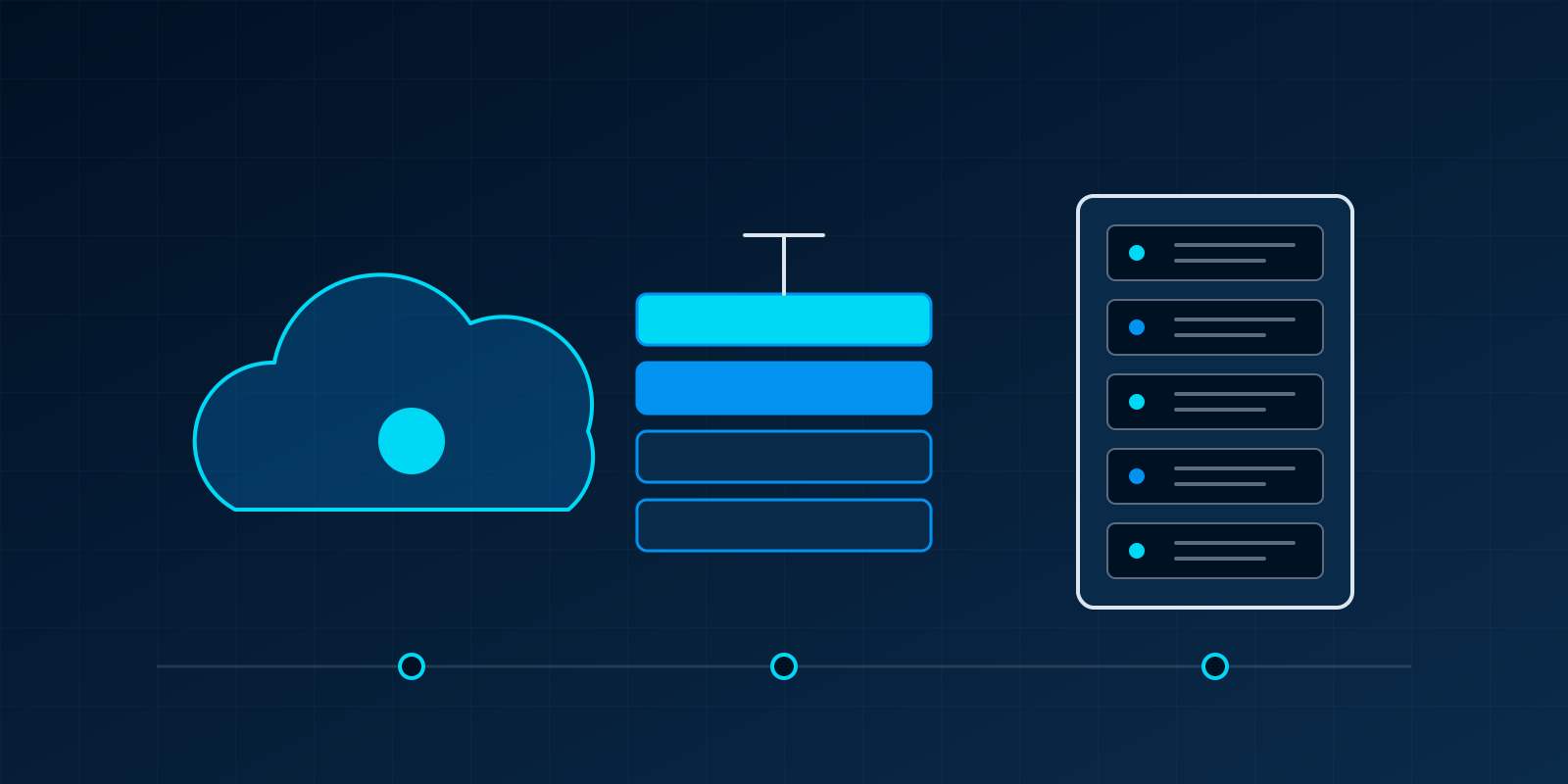
What each Odoo hosting option allows, how much effort it takes to run, and how to choose between them.
8 min read
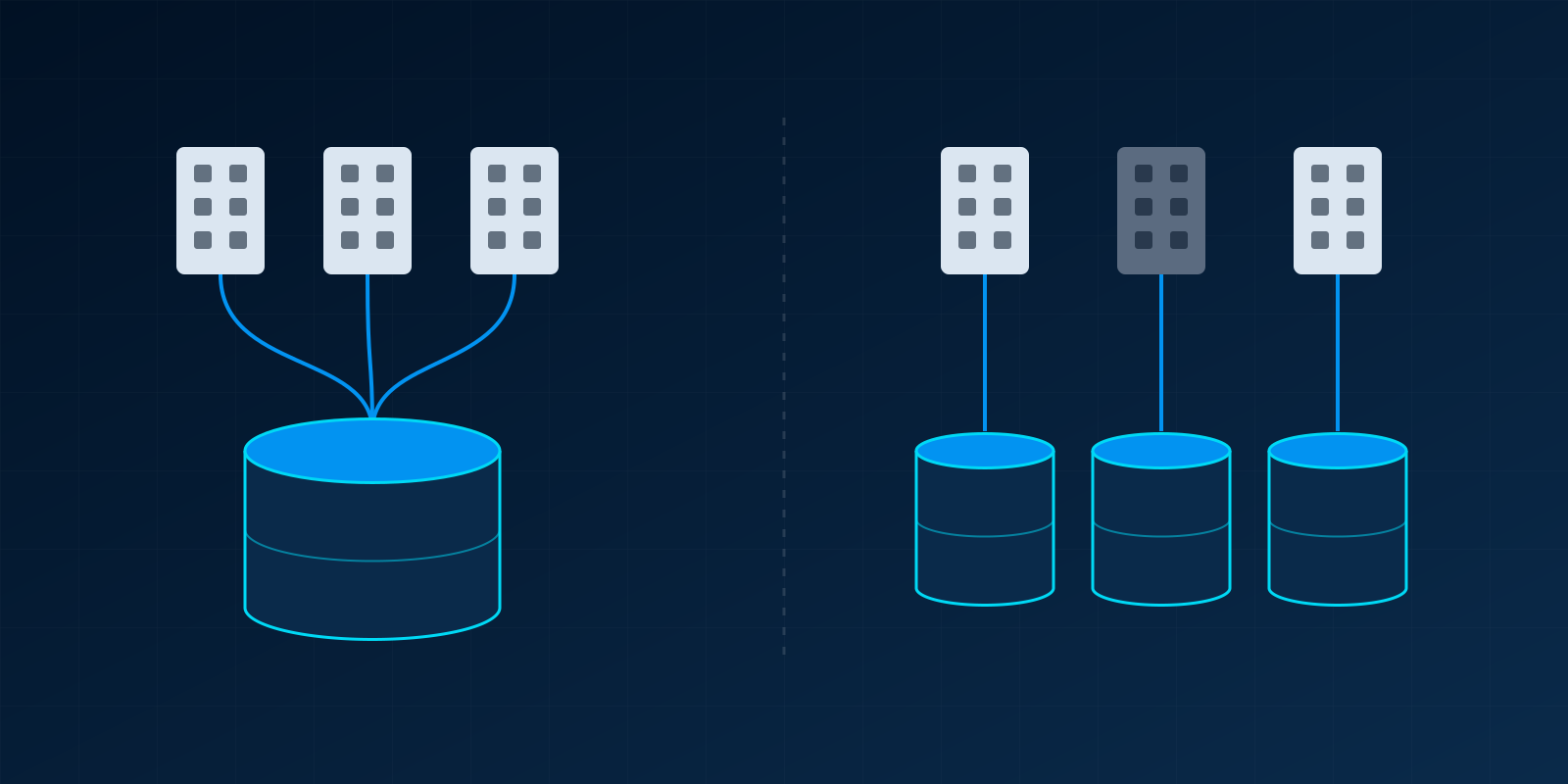
When should several companies share one Odoo database, and when should they be kept apart? How to decide, and what each choice costs later.
7 min read
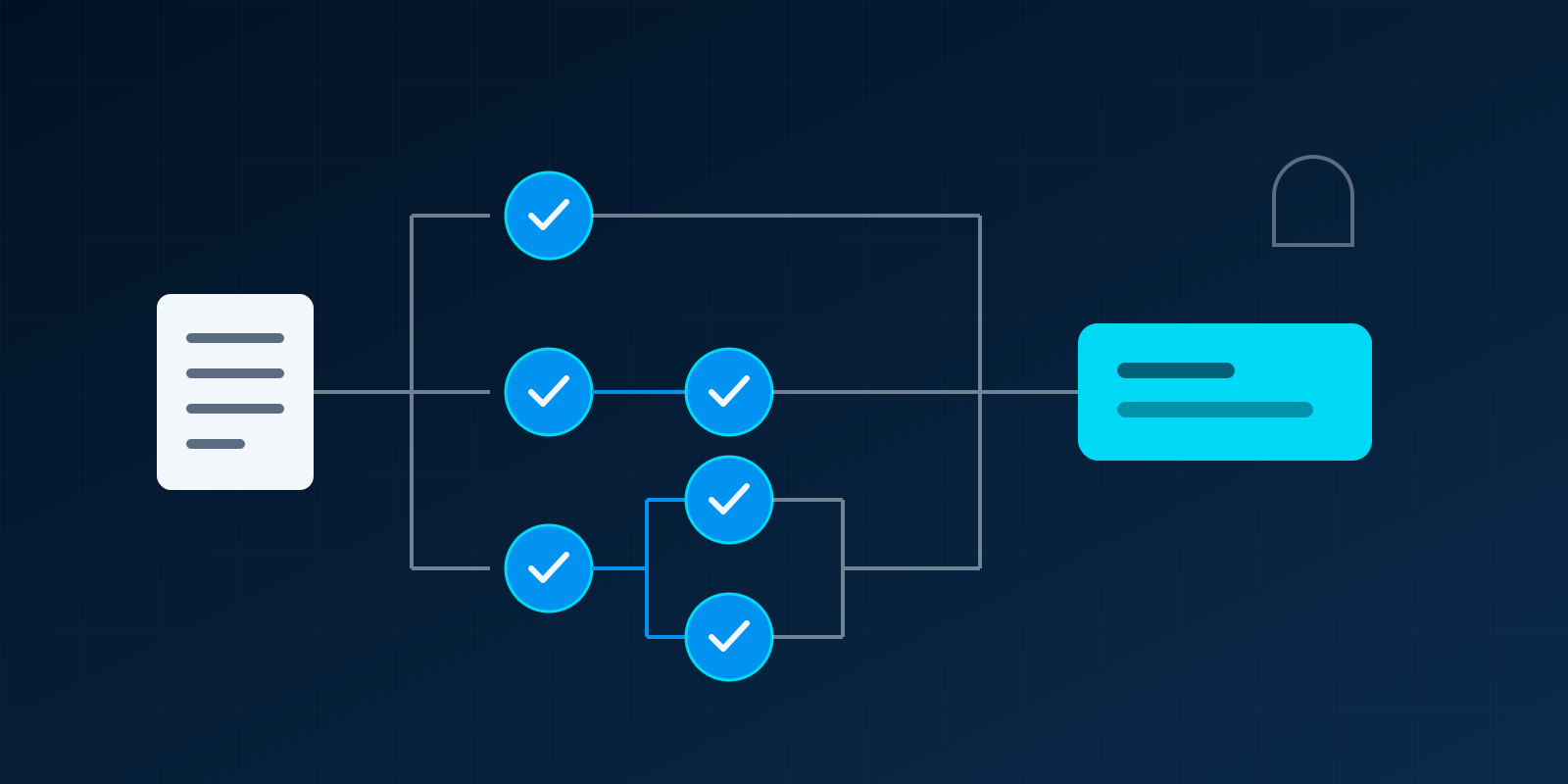
How to set approval limits by amount, decide who approves and in what order, and keep a record that stands up to audit.
7 min read
Related services
A clear plan for which systems to change, in what order, at what cost, and why.
View Digital Transformation ConsultancyWe keep your email, devices and servers secure, updated and working, so you do not need an in-house IT team.
View Managed IT ServicesTell us what is not working. In one short call we will tell you whether we can help, how, and what it is likely to involve.